How to play the Ultima series today - legal sources, compatibility layers, and setup guides.
GOG.com - Legal Downloads
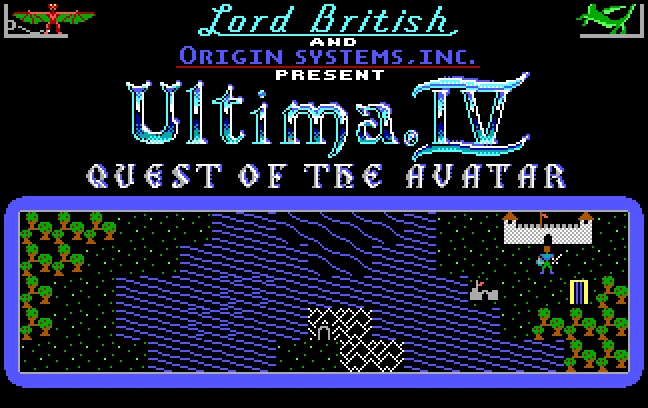
Ultima IV is free on GOG
GOG.com (Good Old Games) is the best legal source for the Ultima series. All games are DRM-free and pre-configured to run on modern Windows systems via DOSBox.
Title
GOG Status
Notes
Ultima I–VI Collection
Available (paid)
Includes all six early Ultima titles; DOSBox configured
Ultima IV: Quest of the Avatar
FREE
Available at no cost - EA released it as freeware
Ultima VII: The Black Gate + Forge of Virtue
Available (paid)
Includes expansion; use Exult for best experience
Ultima VII Part 2: Serpent Isle + Silver Seed
Available (paid)
Includes expansion; use Exult for best experience
Ultima Underworld I & II
Available (paid)
Both Underworld games in one package; DOSBox configured
Ultima VIII: Pagan
Available (paid)
DOSBox pre-configured; the Forgotten World expansion is not included
Ultima IX: Ascension
Not available
Windows-native; compatibility issues prevent GOG release as of 2026
Playing Ultima VII with Exult
Serpent Isle at high resolution via Exult
Exult is the recommended way to play Ultima VII on modern hardware. Here's how to set it up:
Edit nuvie.cfg to point at your Ultima VI game directory
Run nuvie - the game should launch with extended resolution
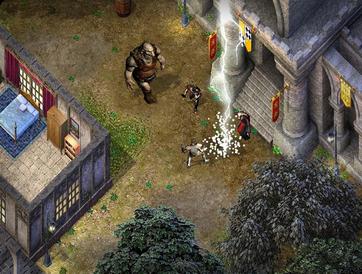
Ultima Online
Ultima Online - still running after 27 years
Official Servers
Ultima Online continues to operate officially under Broadsword Online Games. A subscription is required. Visit uo.com for current subscription options.
Official UO runs on the Kingdom Reborn (enhanced) and Classic (2D) clients. Both are freely downloadable from the official site; only a subscription is required to play.
Free Shards
Free shards are community-run private servers that emulate UO's server software. They are free to play and often preserve specific eras of UO (1997–2001 "Renaissance" era is particularly popular). Some notable free shards:
Ultima Online: Outlands - large, active, custom content free shard with thousands of players
Angel Island - focuses on the pre-trammel (pre-2000) PvP era with high historical accuracy
IPY (In Por Ylem) - another pre-trammel focused shard